Vibe Coding for Teams: Add Collaboration to Your AI Coding Workflow
Vibe coding — describing what you want and letting AI generate the code — is powerful but has a collaboration problem. Most AI coding tools are solo workflows. You can't easily share work-in-progress, collaborate in real-time, or ensure outputs match your design system. Onlook solves this.
The Problem with Solo Vibe Coding
- Solo workflow — hard to share work-in-progress with teammates
- Throwaway code — doesn't use your real components
- Brand drift — AI generates generic HTML/CSS, not your design system
- No handoff path — "now how do I share this?" becomes a blocker
Onlook Makes Vibe Coding Work for Teams
- Visual canvas — see and arrange AI-generated UIs spatially
- Your real components — AI constrained to your design system
- Real-time collaboration — share canvas, leave spatial comments
- PR output — changes become mergeable pull requests
- Works with any AI coding tool you already use
Vibe Coding for Teams
Vibe coding has a collaboration problem
Most AI coding tools are solo workflows. Onlook adds the missing layer — a visual canvas where teams collaborate on AI-generated UIs with their real components.
The Problem
Solo vibe coding doesn't scale. Teams need to share, iterate, and ship together.
Solo workflow
Most AI coding tools are designed for individual use. Sharing means screenshots or screen shares.
Throwaway code
AI generates generic HTML/CSS. You'll rebuild it anyway to use your real components.
Brand drift
Every vibe-coded UI looks different. AI doesn't know your design system.
"Now what?"
You built something cool. Now how do you share it, get feedback, or hand it off?
The Solution
Onlook adds the visual layer. Vibe code with your team, on your components, to real PRs.
Villainterest - Product Notes
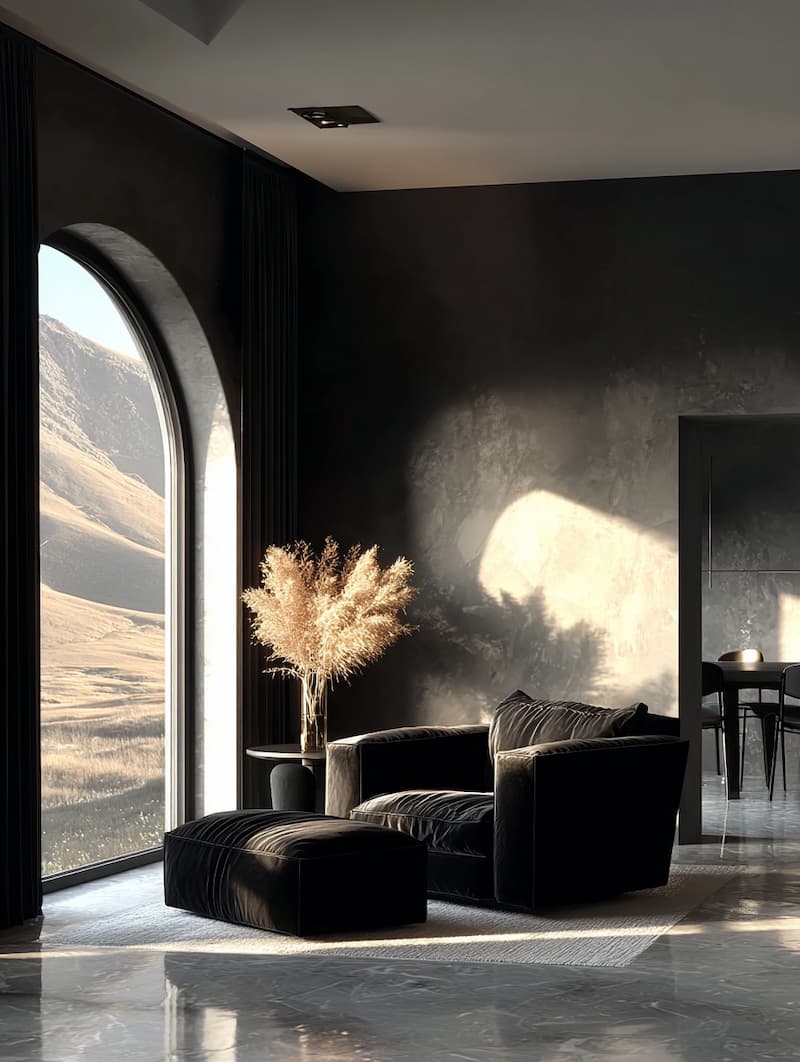
Minimalist Interior with Dramatic Lighting
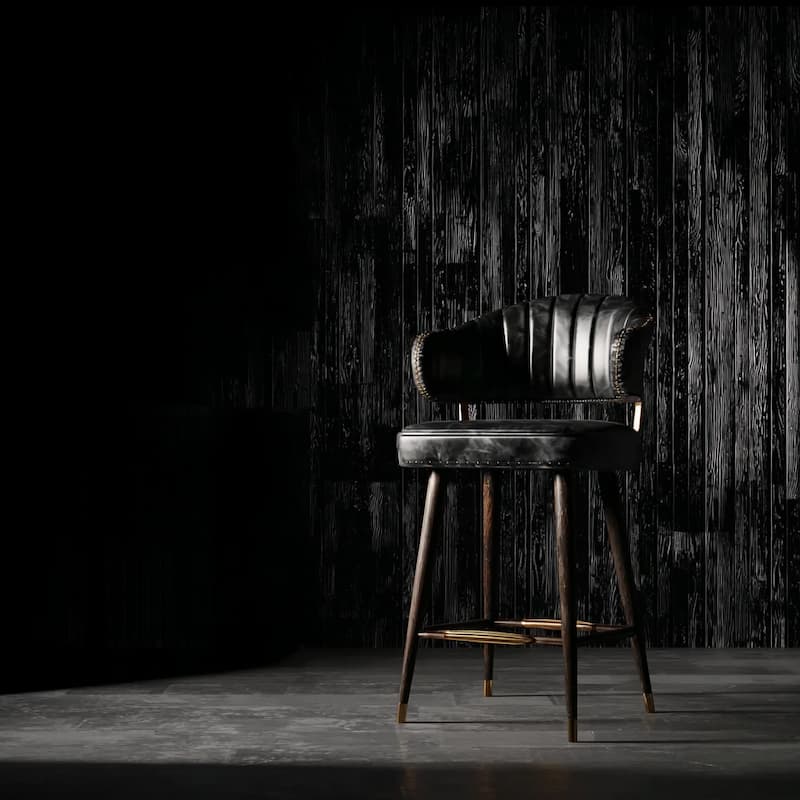
Black Leather Bar Stool with Brass Accents
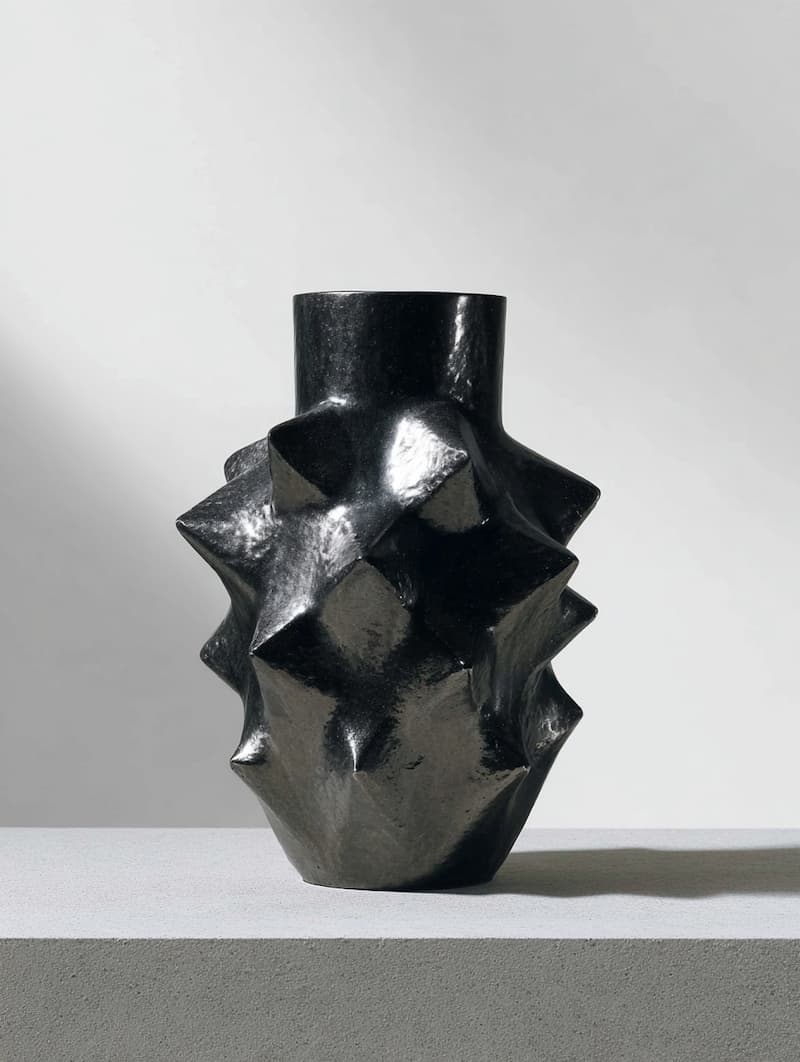
Spikey Ceramic Iron Metal Sculpture
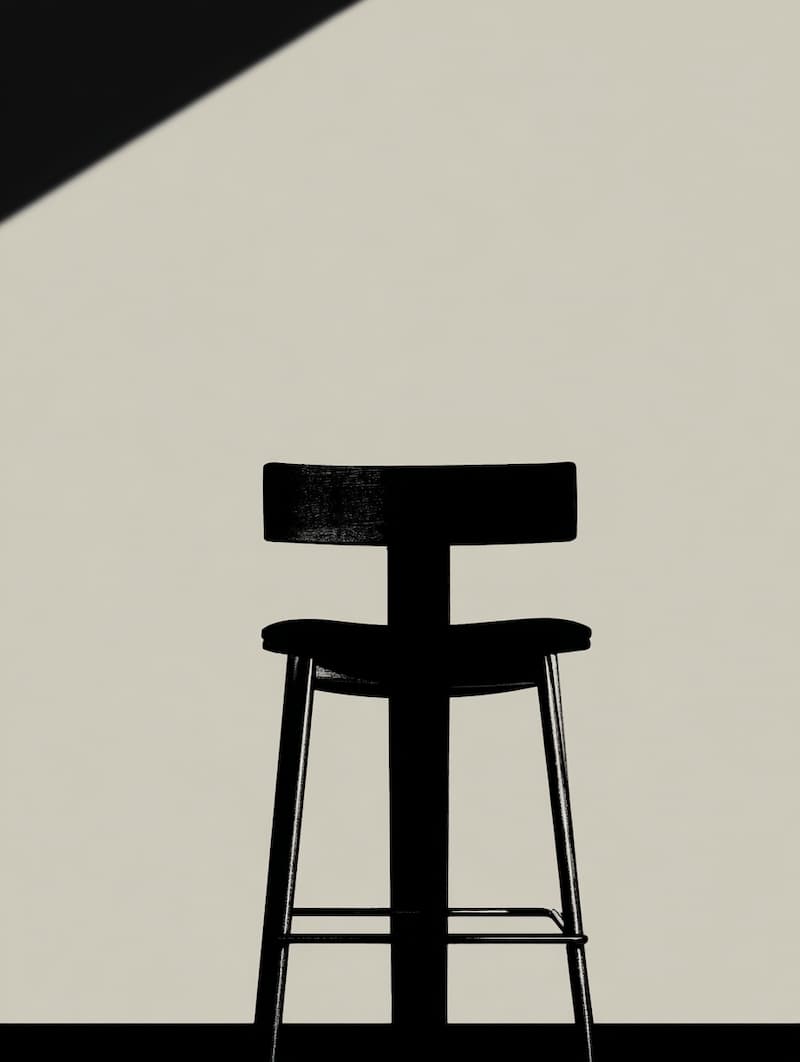
Black Bar Stool Silhouette Design

Ceramic Brutalist Objects with Spikes
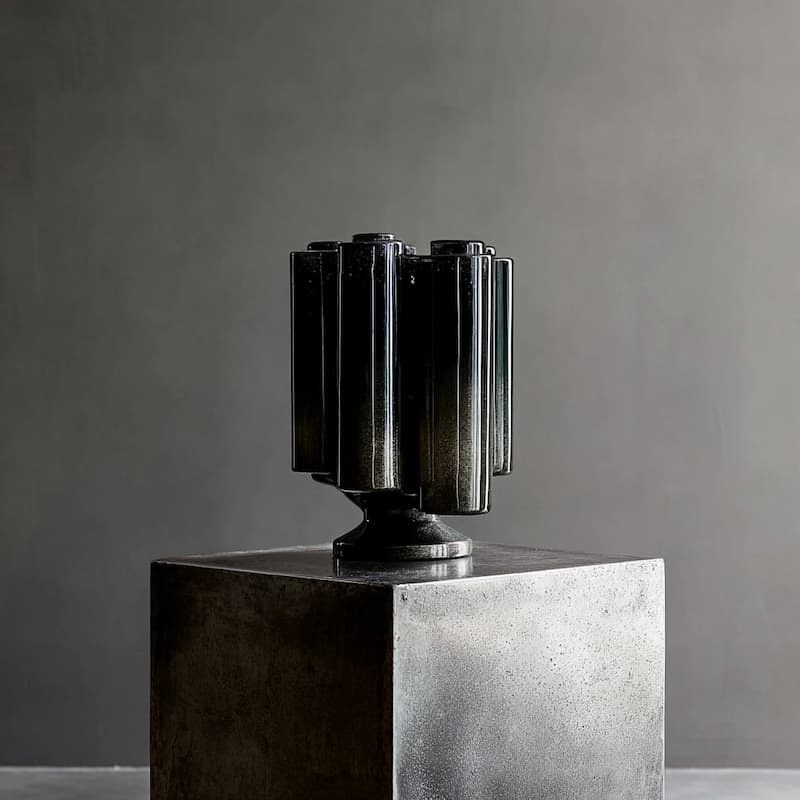
Brutalist Dark Glass Vase Sculpture
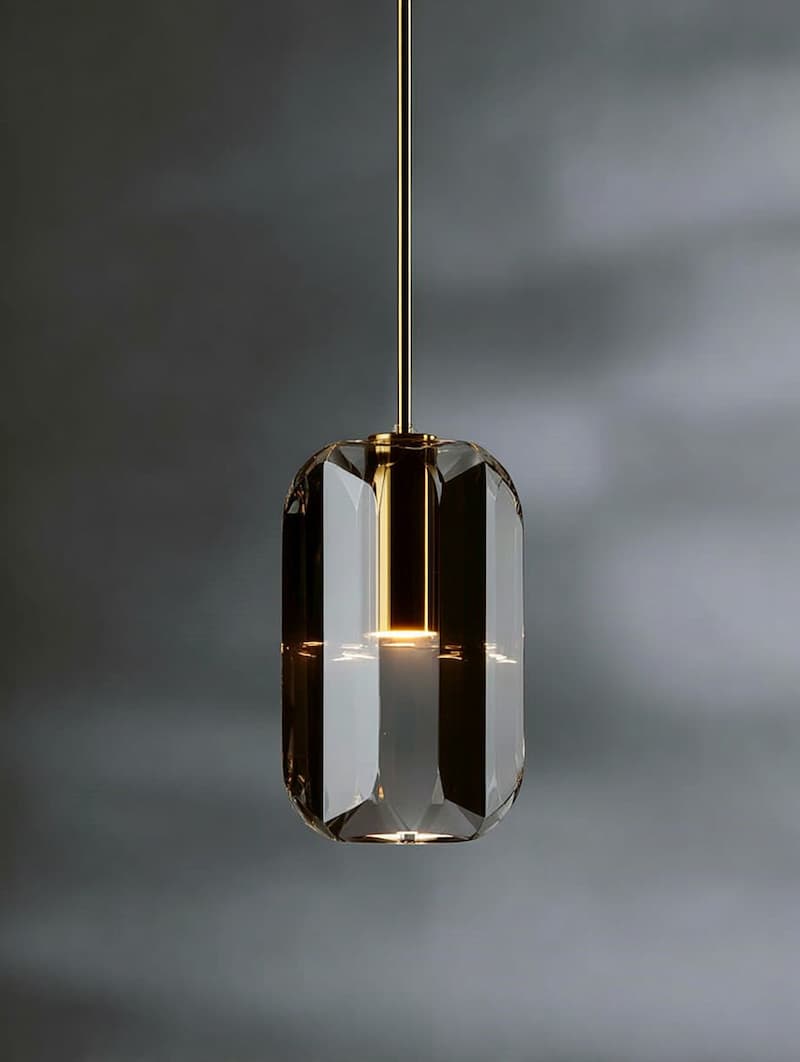
Golden Muted Interior with Sharp Lines
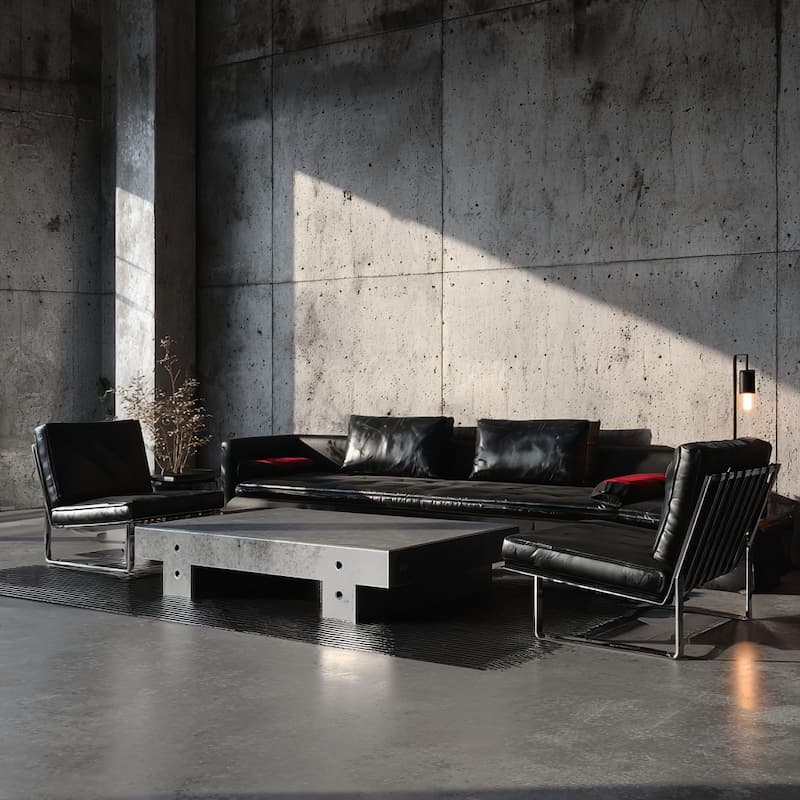
Contemporary Brutalist Interior Design
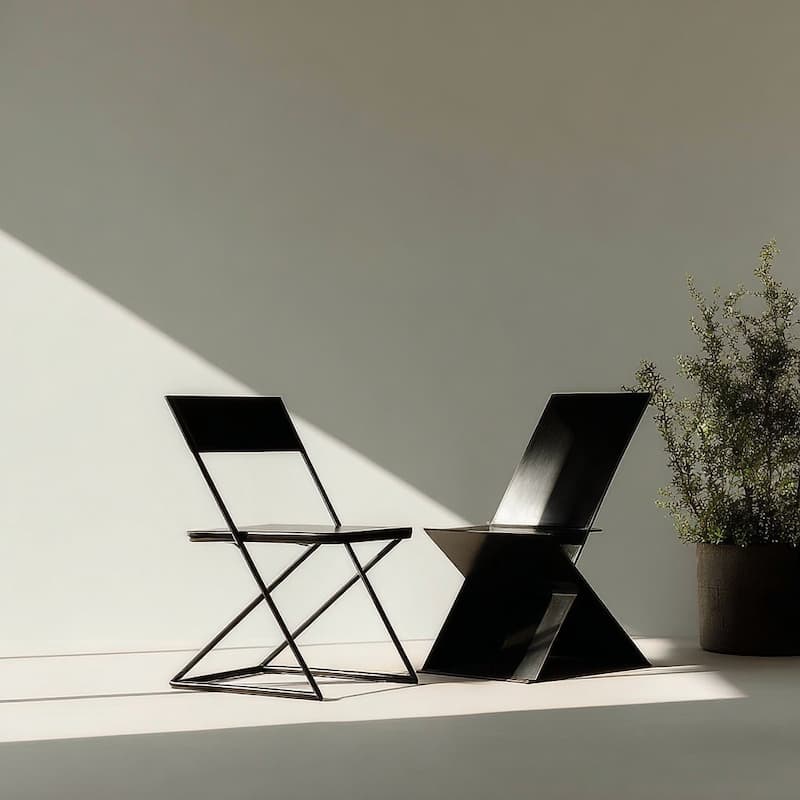
Minimalist Zig-Zag Chair Design
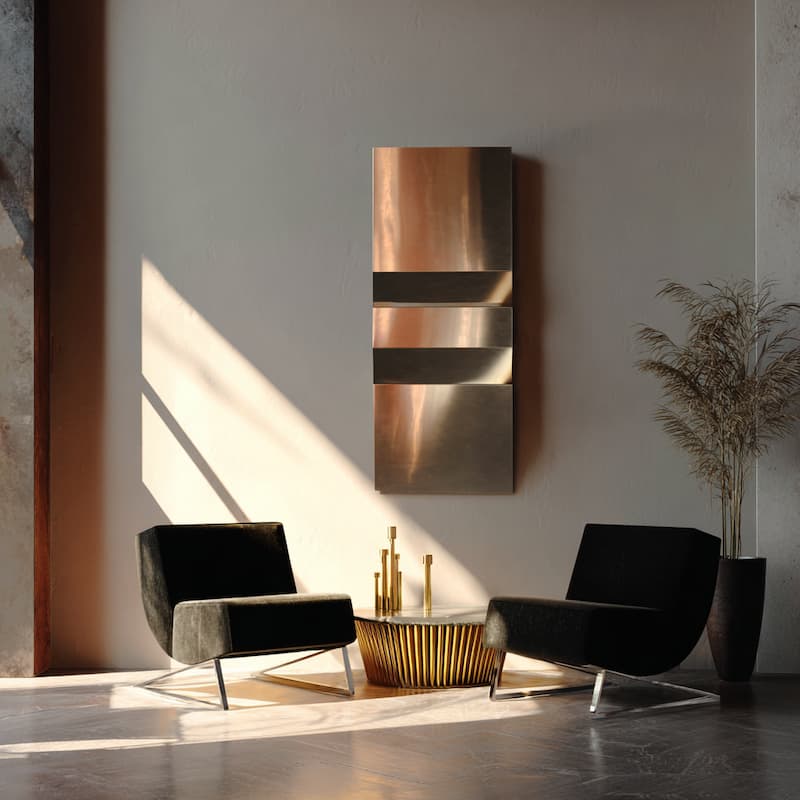
Minimalist Metallic Sheer Design
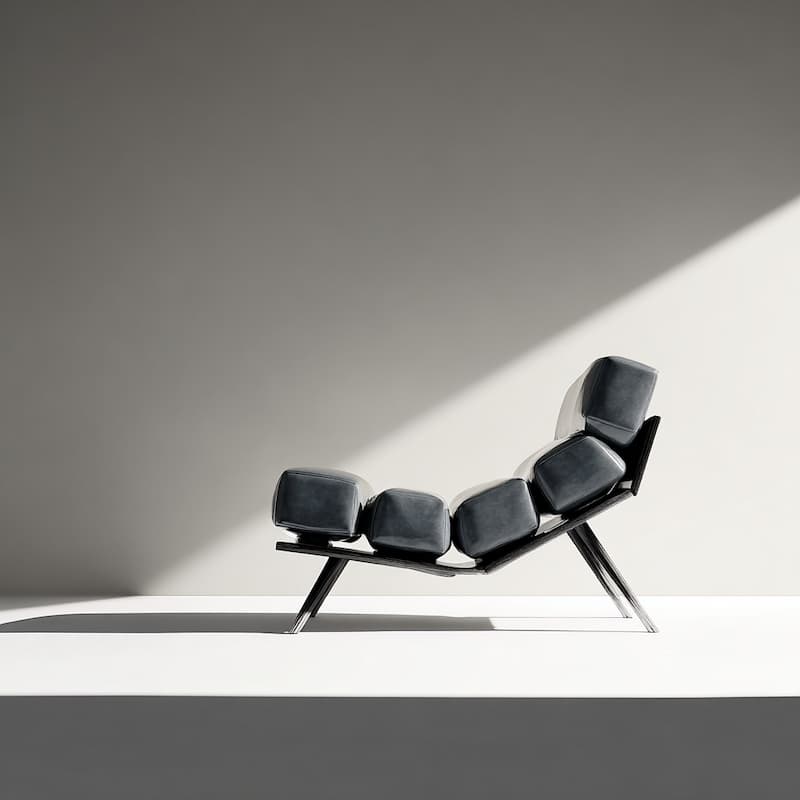
Lounge Chair Against Clean Wall
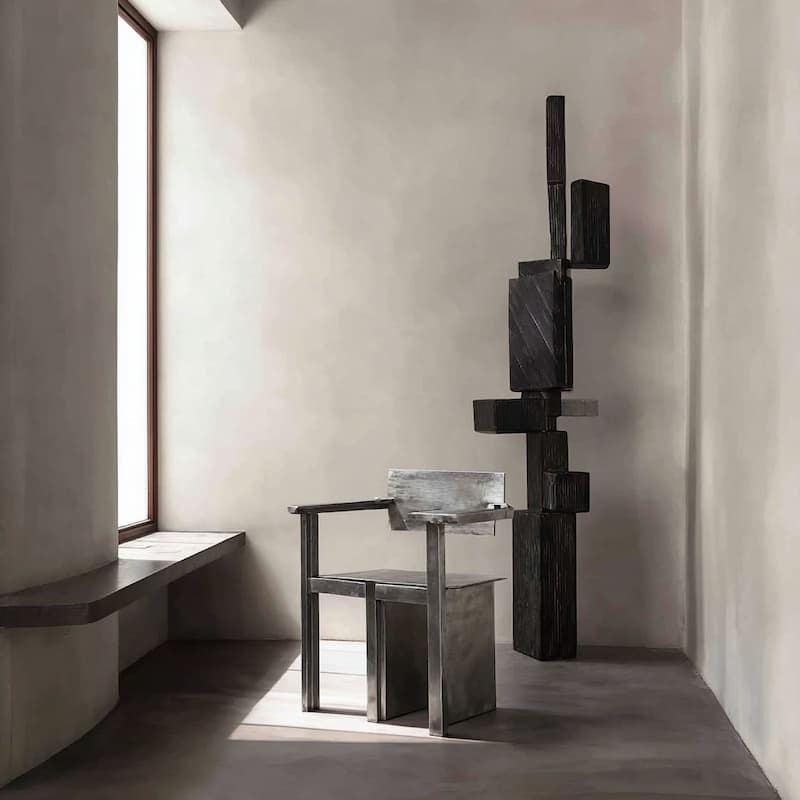
Metallic Chair with Brutalist Design
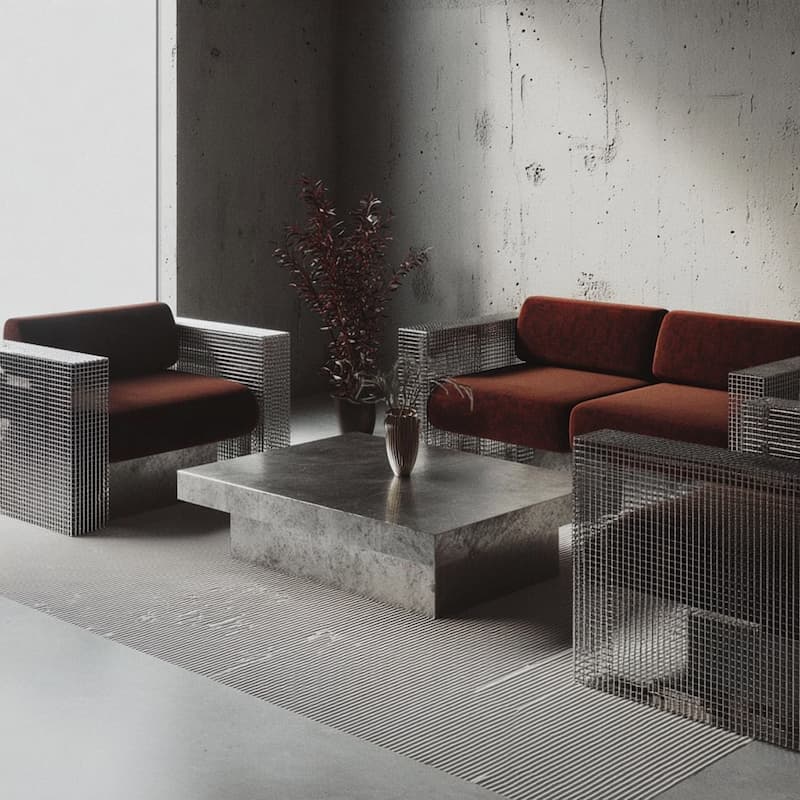
Living Room with Metal Furniture Design
.jpg)
Metallic Brushed Metal Chair Design
Black Leather Furniture Design
Minimalist Interior with Dramatic Lighting
Black Leather Bar Stool with Brass Accents
Black Bar Stool Silhouette Design
Ceramic Brutalist Objects with Spikes
Brutalist Dark Glass Vase Sculpture
Golden Muted Interior with Sharp Lines
Contemporary Brutalist Interior Design
Minimalist Zig-Zag Chair Design
Minimalist Metallic Sheer Design
Lounge Chair Against Clean Wall
Spikey Ceramic Iron Metal Sculpture
Metallic Chair with Brutalist Design
Living Room with Metal Furniture Design
Metallic Brushed Metal Chair Design

Layers
Brand
Pages
Assets
Elements
Apps
Villainterest - Product Notes
Minimalist Interior with Dramatic Lighting
Black Leather Bar Stool with Brass Accents
Spikey Ceramic Iron Metal Sculpture
Black Bar Stool Silhouette Design
Ceramic Brutalist Objects with Spikes
Brutalist Dark Glass Vase Sculpture
Golden Muted Interior with Sharp Lines
Contemporary Brutalist Interior Design
Minimalist Zig-Zag Chair Design
Minimalist Metallic Sheer Design
Lounge Chair Against Clean Wall
Metallic Chair with Brutalist Design
Living Room with Metal Furniture Design
Metallic Brushed Metal Chair Design
Black Leather Furniture Design
Minimalist Interior with Dramatic Lighting
Black Leather Bar Stool with Brass Accents
Black Bar Stool Silhouette Design
Ceramic Brutalist Objects with Spikes
Brutalist Dark Glass Vase Sculpture
Golden Muted Interior with Sharp Lines
Contemporary Brutalist Interior Design
Minimalist Zig-Zag Chair Design
Minimalist Metallic Sheer Design
Lounge Chair Against Clean Wall
Spikey Ceramic Iron Metal Sculpture
Metallic Chair with Brutalist Design
Living Room with Metal Furniture Design
Metallic Brushed Metal Chair Design
Layers
Brand
Pages
Assets
Elements
Apps
Visual canvas
See and arrange AI-generated UIs spatially. Not just terminal output.
Your real components
AI uses your buttons, cards, layouts. Not generic HTML.
Team collaboration
Share canvas, leave spatial comments, work together in real-time.
Ship PRs
Changes become pull requests. Engineers review and merge.
How It Works
Vibe code anywhere. Collaborate in Onlook. Ship together.
Build with any AI tool
Use any AI coding tool to generate your initial UI. Onlook works with your existing codebase.
Iterate on the canvas
Open in Onlook to visually refine. Drag elements, adjust styles, use AI with your real components. See changes in real code.
Collaborate and ship
Share your canvas with teammates. Leave spatial comments. When ready, submit as a PR for engineers to review and merge.
Vibe Coding: Solo vs. Team
The difference between prototyping alone and shipping with your team.
Solo Vibe Coding
- Generate generic HTML/CSS
- Share via screenshots
- Rebuild to use your components
- Manual handoff process
- Code needs translation
Team Vibe Coding with Onlook
- Use your real components
- Share a live canvas
- AI constrained to your design system
- Collaborate with spatial comments
- Ship PRs engineers can merge
Frequently asked questions
Vibe coding is a workflow where you describe what you want in natural language and AI generates the code. Most vibe coding tools are designed for solo use, not teams.
Most vibe coding tools are solo workflows. You can't easily share work-in-progress, collaborate in real-time, or hand off to engineers. The output is often throwaway code that doesn't match your design system.
Onlook adds a visual canvas layer. Share your canvas with teammates, leave spatial comments, work together in real-time. AI is constrained to your design system, so outputs are consistent. Changes become PRs engineers can merge.
Yes. Use any AI coding tool to build. Open in Onlook to visually iterate, collaborate with your team, and refine before shipping. Onlook works with your existing codebase.
Yes. Unlike tools that generate generic HTML, Onlook connects to your component library. AI uses YOUR buttons, cards, and layouts. No brand drift, no rebuilding.
Share your canvas link. Teammates can view, comment spatially, and collaborate in real-time. When ready, submit changes as a PR for engineers to review.